01
Find the shapes
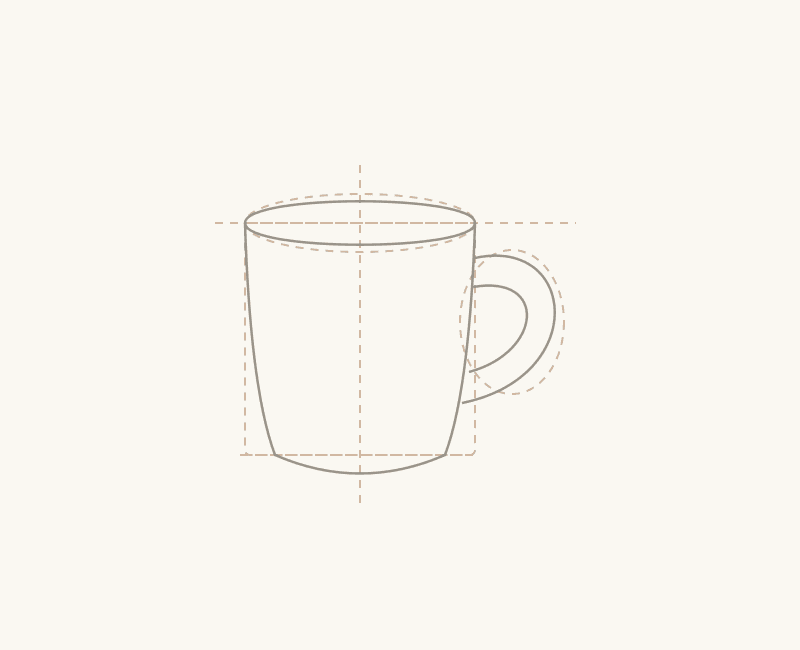
Build a light framework. Look for the big shapes before the small details.
A drawing practice, made personal
Turn a reference photo into a step-by-step pencil drawing lesson. Find the shapes, follow the outline, and make something with your own two hands.
Free sample · No account or card needed
a little inspiration
one step at a time
Start with a reference you want to draw.
Shapes, outline, details and shading.
Pause, repeat and keep practising.
From blank page to a little progress
You do the drawing. Your guide breaks the reference into stages, with instructions, a tip and a checkpoint to help you look more closely.
01
Build a light framework. Look for the big shapes before the small details.
02
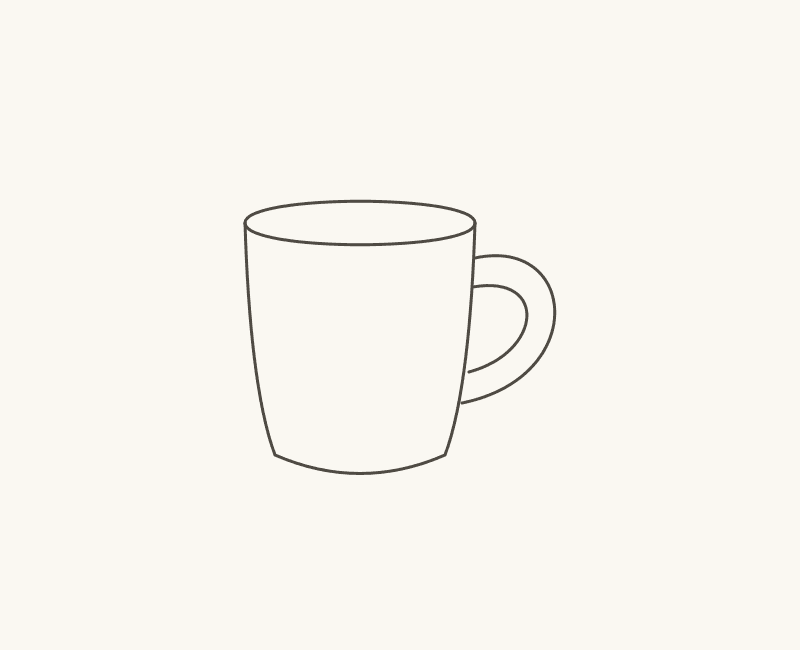
Connect the shapes into a silhouette. Check the proportions as you go.
03
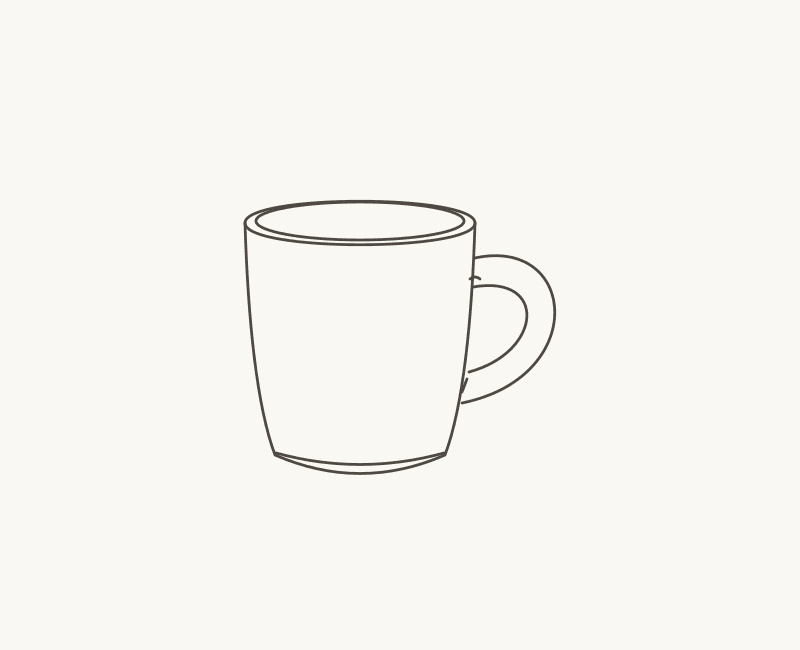
Add the edges and little features that give your subject its character.
04
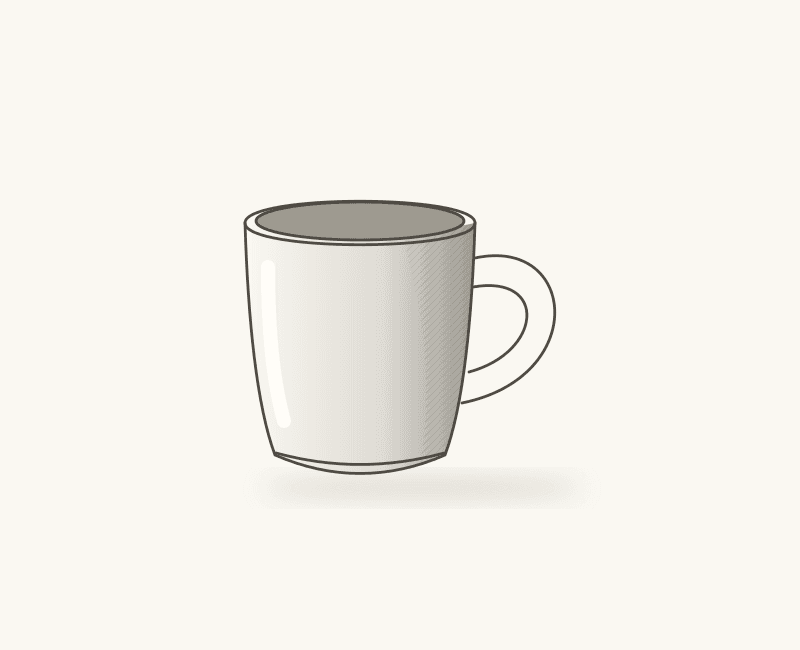
Build soft shadows and leave room for highlights. Watch the form appear.
Less staring. More starting.
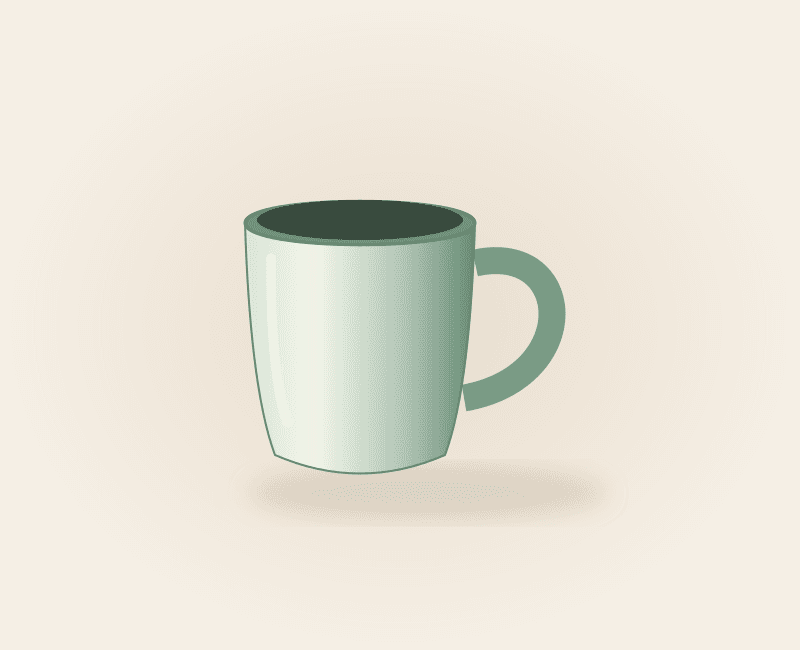
You don’t need a studio full of supplies. Start with our beginner-friendly mug lesson, then explore your own references when personal lessons are enabled.
Meet your first lessonLight construction lines before difficult details
Reference comparison, guide grid and image zoom
Save your place and return to your personal lessons
Private uploads and optional analytics
Draw AI is a drawing practice app that turns a reference photo into a four-stage pencil lesson: construction, main outline, details and shading. You make the drawing yourself, on paper, following the guide.
Yes. Open the free everyday mug sample in the studio. It is a curated lesson with four aligned illustrations and works without an account or payment. The sample is clearly labelled and is not an AI generation from your photo.
No previous drawing experience is required for the sample. A pencil, paper and an eraser are enough. Start with light construction lines and work at your own pace; you can revisit any stage.
Choose a clear JPEG, PNG or WebP with one main subject and visible lighting. Uploads can be up to 12 MB. You can crop and rotate your reference in the studio before submitting it. Very small, animated or unsupported images are rejected.
The drawing journal
Your first drawing · 4 min read
A practical first pencil drawing: build the body, check the ellipses, add a handle and finish with soft shadows.
Before you begin · 3 min read
Simple lighting, a clear silhouette and a useful crop can make your next drawing feel much more manageable.
Pencil practice · 3 min read
Use light, middle and dark areas to describe a form without getting lost in tiny patches of shading.